
Menu
Marine
FREE UK delivery when you spend £50 - see more delivery options.
Home / GPS / Dash Cams / Mio Dash Cams / Mio MiVue 903W PRO
Product Code: MIV903WP

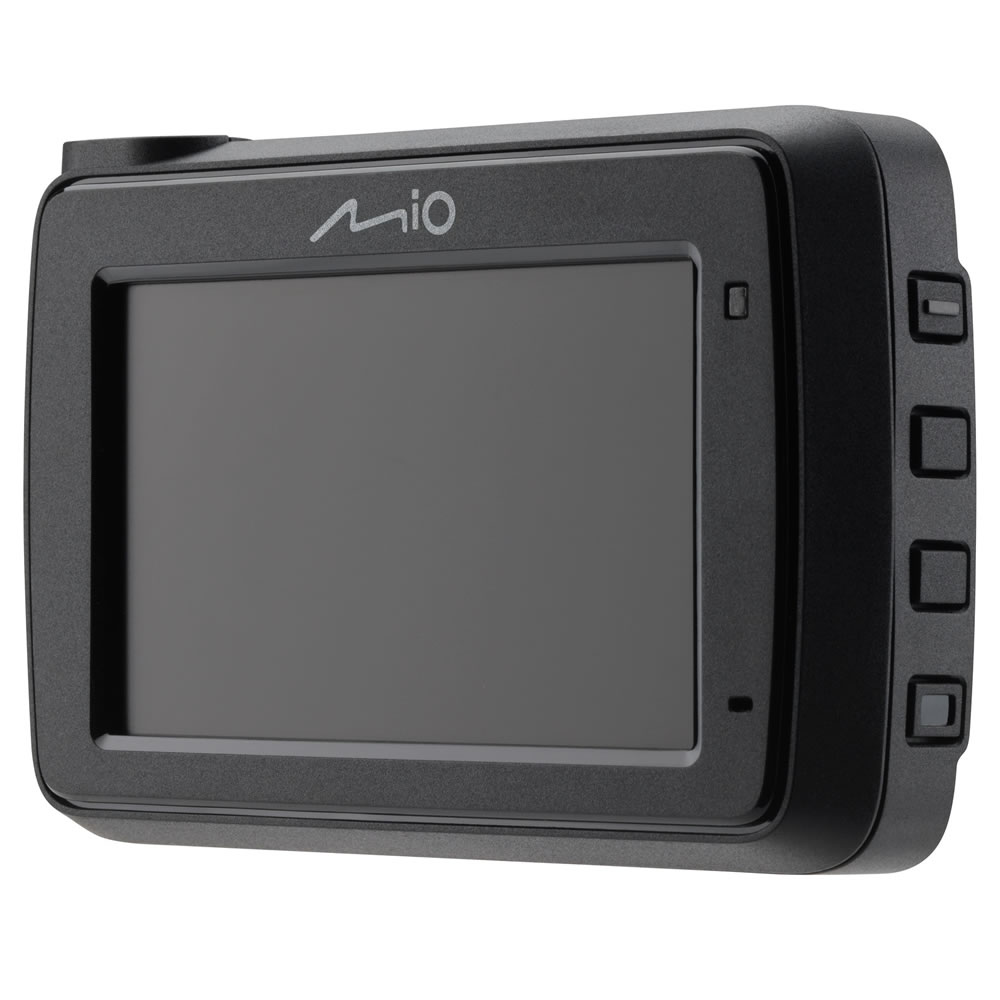
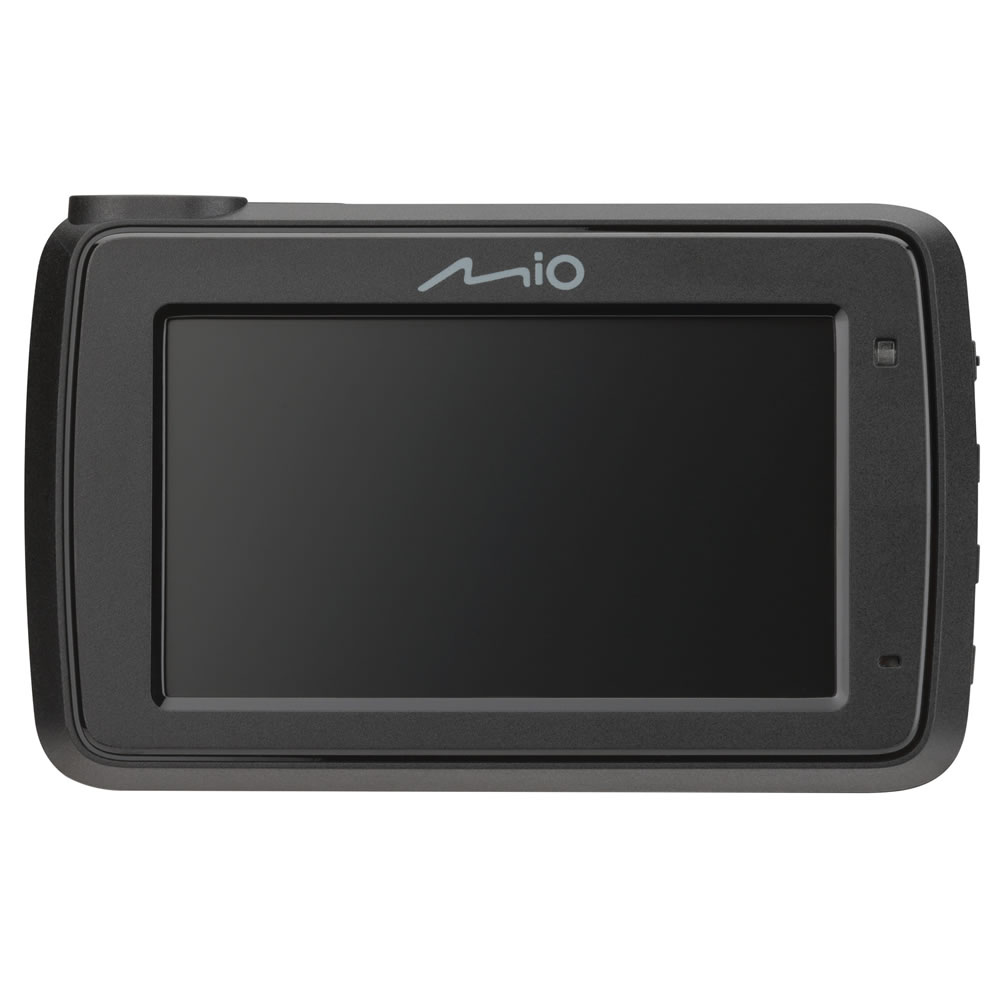
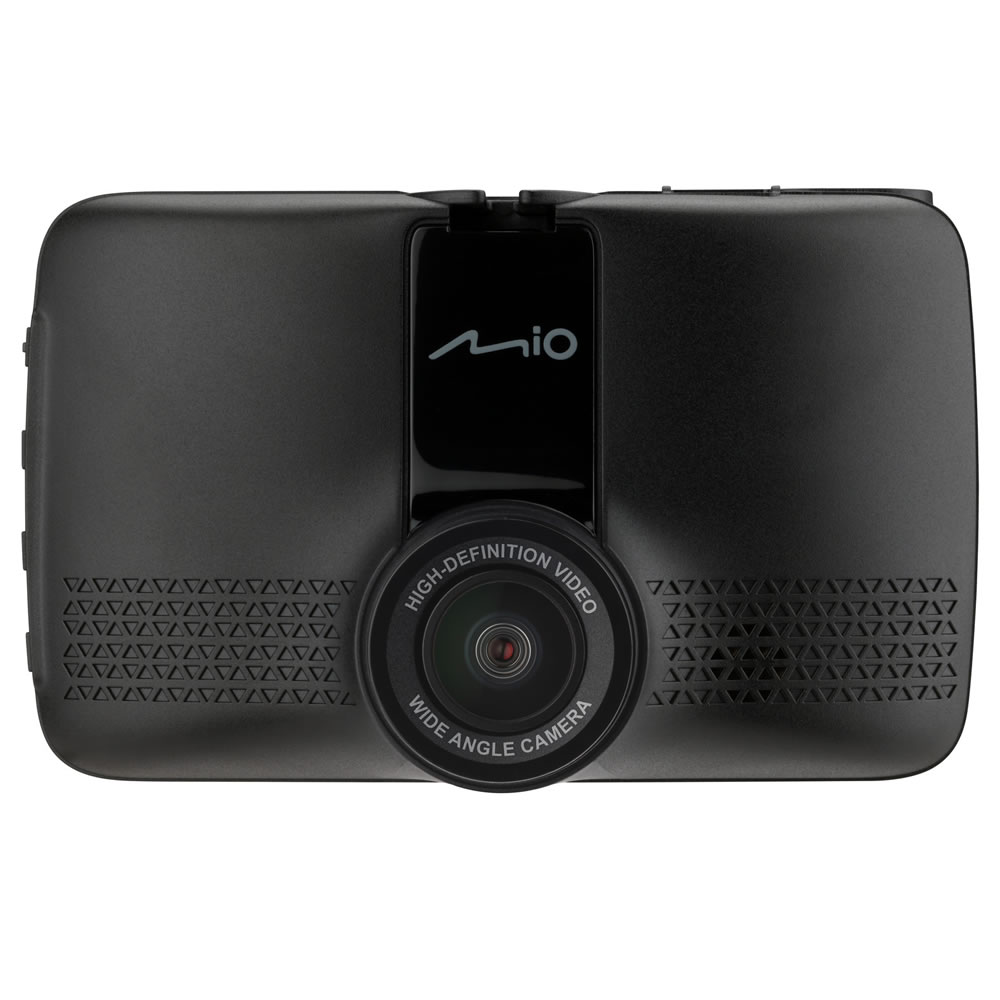
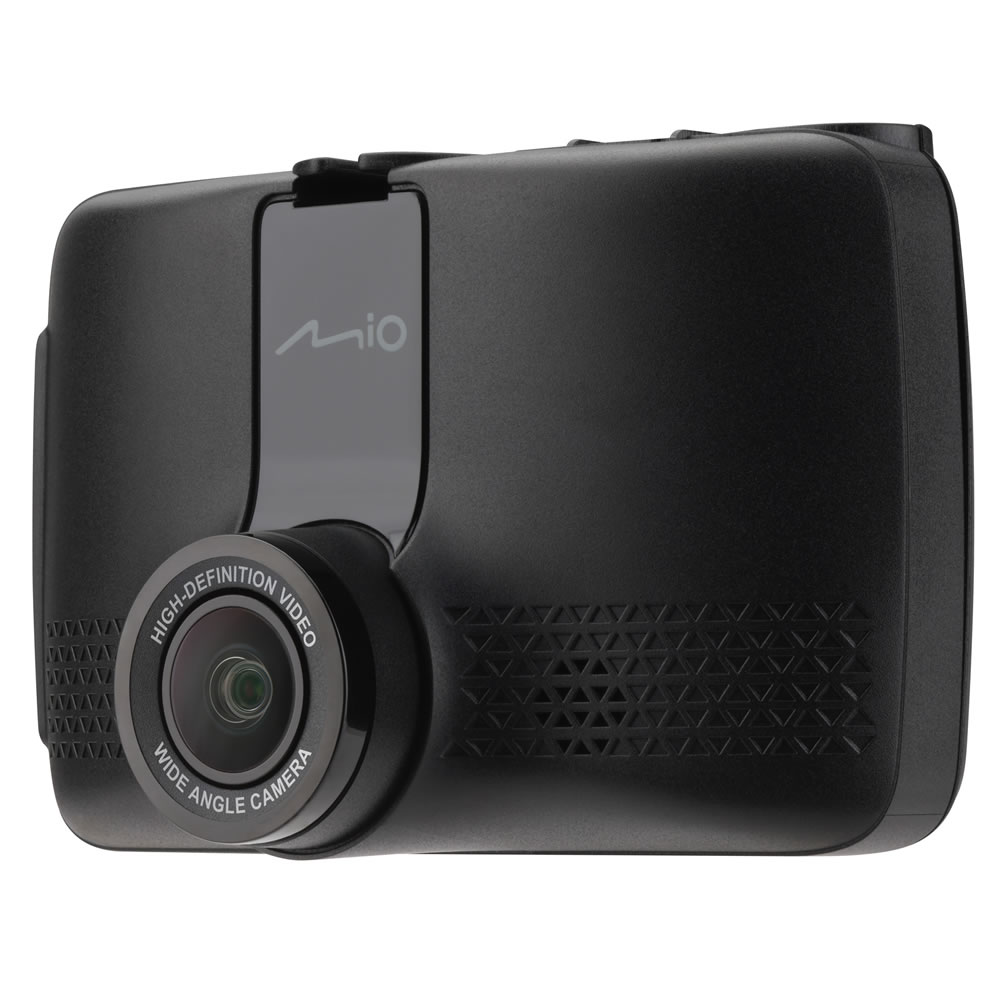
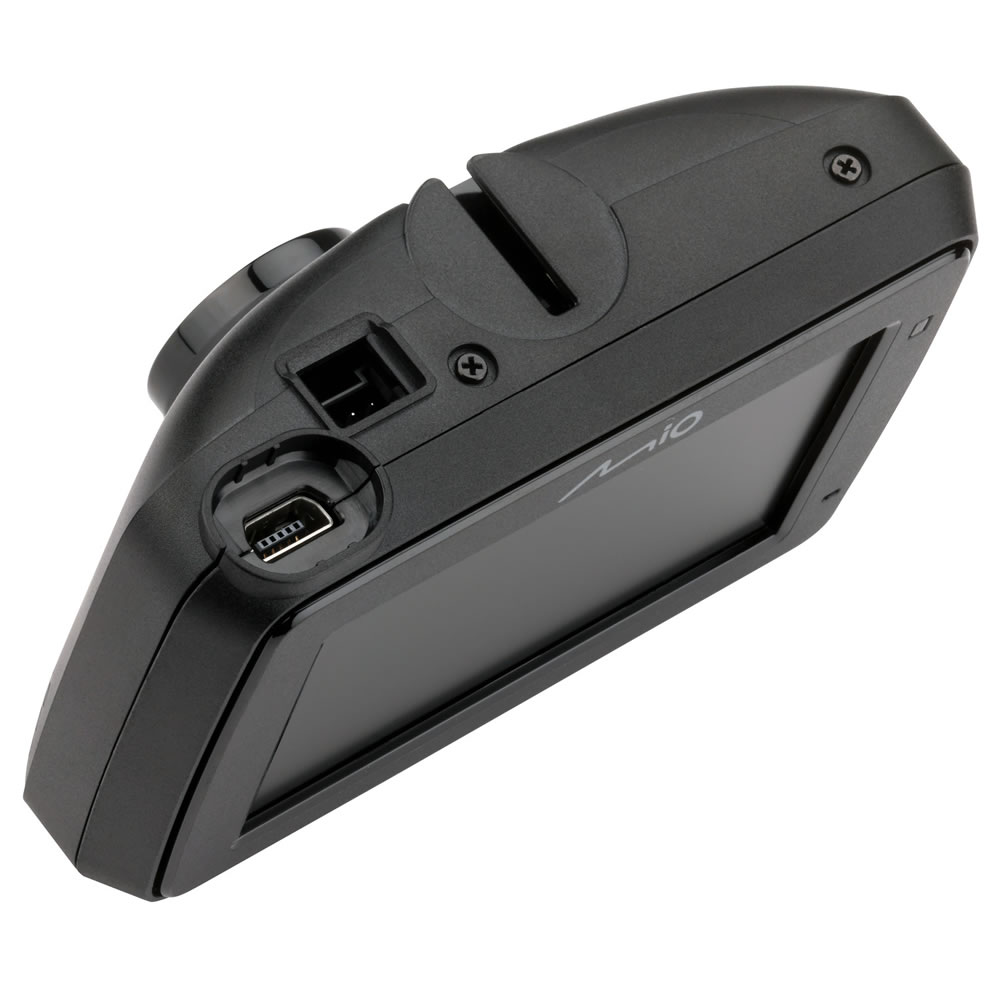
The Mio MiVue 903W PRO is the STARVIS 2-equipped upgrade of Mio's mid-range single-camera dash cam range, with a 2.7-inch LCD screen for menus and playback. It records 2.5K 1440p at 30fps with HDR, or 2.5K 1440p at 60fps for smoother footage at higher road speeds.
The headline upgrade over the standard 803W PRO is the sensor itself: Sony's next-generation STARVIS 2 technology, which delivers clearer, sharper image quality and richer colour reproduction, along with enhanced brightness in night-time driving conditions.
A Hardwire Kit is included as standard, enabling On-Demand 3-in-1 Parking Mode (Full-time Monitoring, Power-saving Mode, Time-lapse Mode) with nothing further to buy. Please note: not supported for use in 24V vehicles.
Integrated Wi-Fi with QR code pairing connects the 903W PRO to the MiVue Pro app in seconds, while integrated GPS adds Safety Camera Warnings, Custom Speedcam Smart Alert and Average Speedcam Alerts.
Want the same features at a lower price point without the STARVIS 2 sensor upgrade? See the Mio MiVue 803W PRO. The Mio MiVue 903W PRO can also be upgraded to a front and rear dash cam by adding the optional MiVue E40 rear camera, or see the full Mio dash cam range.

Mio MiVue 903W PRO 2.5K HDR STARVIS 2 Dash Cam - £129.99
 Deliveries
We offer UK, Europe and Worldwide deliveries. We despatch orders at 4:30pm on Monday, Tuesday, Wednesday, Thursday and Friday. We need to receive your order on those days by 3:00pm. When possible we may despatch orders received after that time. No orders are despatched on Saturday, Sunday or Bank Holidays in England and Wales.
We offer FREE UK delivery on all orders of £50.00 or more, plus next working day and guaranteed Saturday delivery options. Click here for further info. All options also appear at the basket pages.
The Mio MiVue 903W PRO sits at the top of Mio's mid-range single-camera line-up, built around Sony's newer STARVIS 2 sensor for a noticeable step up in low-light and night-time picture quality over the standard 803W PRO.
Footage is captured at 2.5K 1440p with HDR at 30fps, giving well-balanced exposure across bright and shaded areas of the same scene, or at 2.5K 1440p at 60fps without HDR for smoother, more fluid playback when travelling at higher road speeds.
A Hardwire Kit comes included in the box, so the 903W PRO can be wired directly into your vehicle's fusebox to enable On-Demand Parking Mode without buying any further accessories.
A 3-axis G-sensor automatically detects sudden impacts, locking the relevant footage so it cannot be overwritten before you have a chance to review it.
The Mio MiVue 903W PRO microSD card should be Class U3, V30 or above, up to 256GB. A microSD card is not included in the box.
The Mio MiVue 903W PRO records 2.5K 1440p footage with HDR at 30fps, widening the dynamic range so both bright and shaded parts of a scene are properly exposed. A 60fps option is also available at 2.5K without HDR, for smoother playback at higher road speeds. Footage is recorded in the SuperMP4 (H.264) format, which saves the video file every second, protecting your recording from corruption if power is suddenly lost.
Where the standard 803W PRO uses a conventional sensor, the Mio MiVue 903W PRO is built around Sony's STARVIS 2 technology. This delivers clearer, sharper image quality and more accurate colour, with enhanced and optimised brightness for night-time recording, giving more reliable and legible footage after dark than a standard sensor would produce.
A Hardwire Kit is included as standard in the box, so there is nothing further to buy to enable Parking Mode. The Mio MiVue 903W PRO offers 3-in-1 On-Demand Parking Mode: Full-time Monitoring, Power-saving Mode and Time-lapse Mode. Recording resolution automatically drops to 1080p at 30fps while in Parking Mode, to maximise the available SD card space. Please note: Parking Mode is not supported for use in 24V vehicles.
Integrated GPS provides Mio's Safety Camera Warnings for fixed and mobile safety cameras, along with Custom Speedcam Smart Alert. Average Speedcam Alerts calculate your remaining time, distance and average speed through average-speed zones, while HUD Display Mode and Cruise Control Reminder add further at-a-glance information as you drive.
Please note: Safety camera database excludes France, Germany, Switzerland and Turkey.
Do you have a question about the MiVue 903W PRO that's not been answered on this webpage? Please see our Dash Cam FAQ's for questions from other people. If the answer to your question isn't featured, use the online form to ask us for the answer. Alternatively please telephone 01733 777623 Monday to Friday (9:30am-5:00pm) to speak to one of our sales team. For further information online please see the Mio MiVue dash cam comparison table.
What resolution does the Mio MiVue 903W PRO record at?
2.5K 1440p at 30fps with HDR, or 2.5K 1440p at 60fps without HDR, via a Sony STARVIS 2 sensor, F1.8 aperture and 140-degree wide-angle lens.
What is different about the Mio MiVue 903W PRO's sensor?
The 903W PRO uses Sony's STARVIS 2 sensor technology, providing clearer, sharper image quality and enhanced brightness for night-time recording compared to standard sensors.
Does the Mio MiVue 903W PRO include a Hardwire Kit?
Yes, included in the box as standard, enabling On-Demand Parking Mode without additional accessories. Not supported for use in 24V vehicles.
What microSD card does the Mio MiVue 903W PRO need?
Class U3 or V30 or above, up to 256GB. Not included in the box.
‣2.5K 1440p at 30fps with HDR
‣2.5K 1440p at 60fps option (without HDR)
‣Sony STARVIS 2 sensor technology
‣F1.8 aperture
‣140-degree wide-angle view
‣2.7-inch LCD screen
‣SuperMP4 (H.264) recording format
‣Hardwire Kit included as standard
‣On-Demand 3-in-1 Parking Mode: Full-time Monitoring, Power-saving Mode, Time-lapse Mode
‣Integrated Wi-Fi with QR code pairing
‣OTA firmware and safety camera updates
‣Integrated GPS with Safety Camera Warnings
‣Custom Speedcam Smart Alert
‣Average Speedcam Alerts
‣HUD Display Mode
‣Cruise Control Reminder
‣Photo Mode
‣Auto Power On
‣Built-in SuperCap
‣3-axis G-sensor
‣Event and continuous recording
‣Optional MiVue E40 rear camera (sold separately)
‣3 year manufacturers' guarantee
The Mio MiVue 903W PRO mounts on the windscreen using the supplied in-vehicle 3M mount. The included Hardwire Kit allows a permanent power connection to your vehicle's fusebox, enabling Parking Mode when the ignition is off (12V vehicles only). Alternatively, power the dash cam via the supplied in-vehicle charger for driving-only use.
There is no microSD card in the box. You will therefore need to buy a microSD card separately.
The MiVue Pro App is designed for use with the Mio MiVue 903W PRO. You can download the app from the Apple App Store or Google Play. Once installed, simply scan the QR code shown on the 903W PRO's screen to connect via Wi-Fi in a single step, for fast, cable-free transfer of your videos.
When an incident happens, the Mio MiVue 903W PRO automatically saves the file to the event folder and sends footage to the MiVue Pro app in real-time via Wi-Fi (Wi-Fi video backup uses point-to-point transmission technology, so it will not consume your 3G, 4G or 5G data).
Within the MiVue Pro App, click "Live View" to adjust the horizontal level of the camera before installation. Videos are categorised by date and type (Normal, Event and Parking folders), and footage recorded by the Mio MiVue 903W PRO is backed up to the MiVue Pro app in real time.
If the backup is interrupted, for example by an incoming call, simply reopen the MiVue Pro App. It will resume the transfer from where it stopped.
Change the settings and format the memory card of the Mio MiVue 903W PRO directly through your smartphone. You can also use your compatible smartphone to download and update the firmware, speed camera data and voice versions without having to remove the memory card (downloading data will use your mobile data allowance). Please note: the update settings may vary depending on the different Mio dash cam models.
In place of a traditional battery, the Mio MiVue 903W PRO uses a built-in SuperCap. This offers better resistance to hot and cold temperature extremes than a battery, and protects your last recording if power to the dash cam is cut.
‣MiVue 903W PRO
‣In-Vehicle Charger
‣Hardwire Kit
‣In-Vehicle 3M Mounting
‣Static Window Sticker
‣Quick Start Guide
‣Technology: Dash cam, GPS, Wi-Fi
‣Display: 2.7" LCD
‣Recording resolution: 2.5K 2560 x 1440P / 30fps HDR, or 2.5K 2560 x 1440P / 60fps
‣Video sensor: Sony STARVIS 2 Technology
‣Aperture: F1.8
‣Video format: SuperMP4 (H.264)
‣Angle of view: 140 degrees
‣Audio recording: Yes (microphone and speaker)
‣Wi-Fi: Yes (integrated, with QR code pairing)
‣GPS: Yes (integrated, with Safety Camera Warnings and Average Speedcam Alerts)
‣G-sensor: 3-axis
‣Parking Mode: 3-in-1 On-Demand (Full-time Monitoring, Power-saving Mode, Time-lapse Mode); drops to 1080P at 30fps in Parking Mode; not supported in 24V vehicles
‣Rear camera: Optional MiVue E40 (sold separately)
‣SD card: microSD, Class U3 or V30 recommended, up to 256GB (not included)
‣Operating temperature: -10°C to +60°C
‣Battery: None (built-in SuperCap)
‣Dimensions: 86.33mm (W) x 53.75mm (H) x 26.6mm (D)
‣Weight: 107.5g
‣Guarantee: 3-years
This is a sophisticated electronic device. It is important to read, understand, and follow the instructions provided in the user manual. To ensure optimal performance, you will need internet access and should regularly download and install firmware and software updates as recommended by the manufacturer. Like all GPS devices, it requires a clear view of the sky to connect with satellites, so be aware that certain vehicle glass or enclosures may block or reduce GPS signal reception.
Updates for this device are delivered via the internet. This page provides information on compatibility with current devices such as PCs, laptops, Macs, and smartphones. Under the Consumer Contract Regulations, you have 14 days from receipt of purchase to verify compatibility with your internet-connected device. Please note that if you later replace or upgrade your PC, Mac, or smartphone, neither ActiveGPS nor the manufacturer can guarantee compatibility with the new operating system.
This page was last reviewed on: 10th July 2026